
Key takeaways
- Adoption decides the result. An assistant that sits outside the agent’s workflow gets ignored, however capable it is.
- Working inside existing tools worked. AI embedded in the ITSM platform and telephony meant agents never had to learn another system.
- Results arrived within 90 days. Handling time fell 40% and escalations dropped to under 1%, down from 5%.
- The same pattern fits a licensed operator’s IT and operations desk, with a decision record added for every action.
A global energy enterprise had run an agent-assist tool from a major IT service management vendor for years. Adoption never took off. This case study, reported by FuturePath, shows what changed when the tool moved into the work itself. Future8 is built on the FuturePath AI applications platform, and its IT Helpdesk and TechOps apps follow the same approach.
Within 90 days workflows sped up, escalations dropped, and service quality improved for frontline teams.
Why did the old agent-assist tool fail to drive adoption?
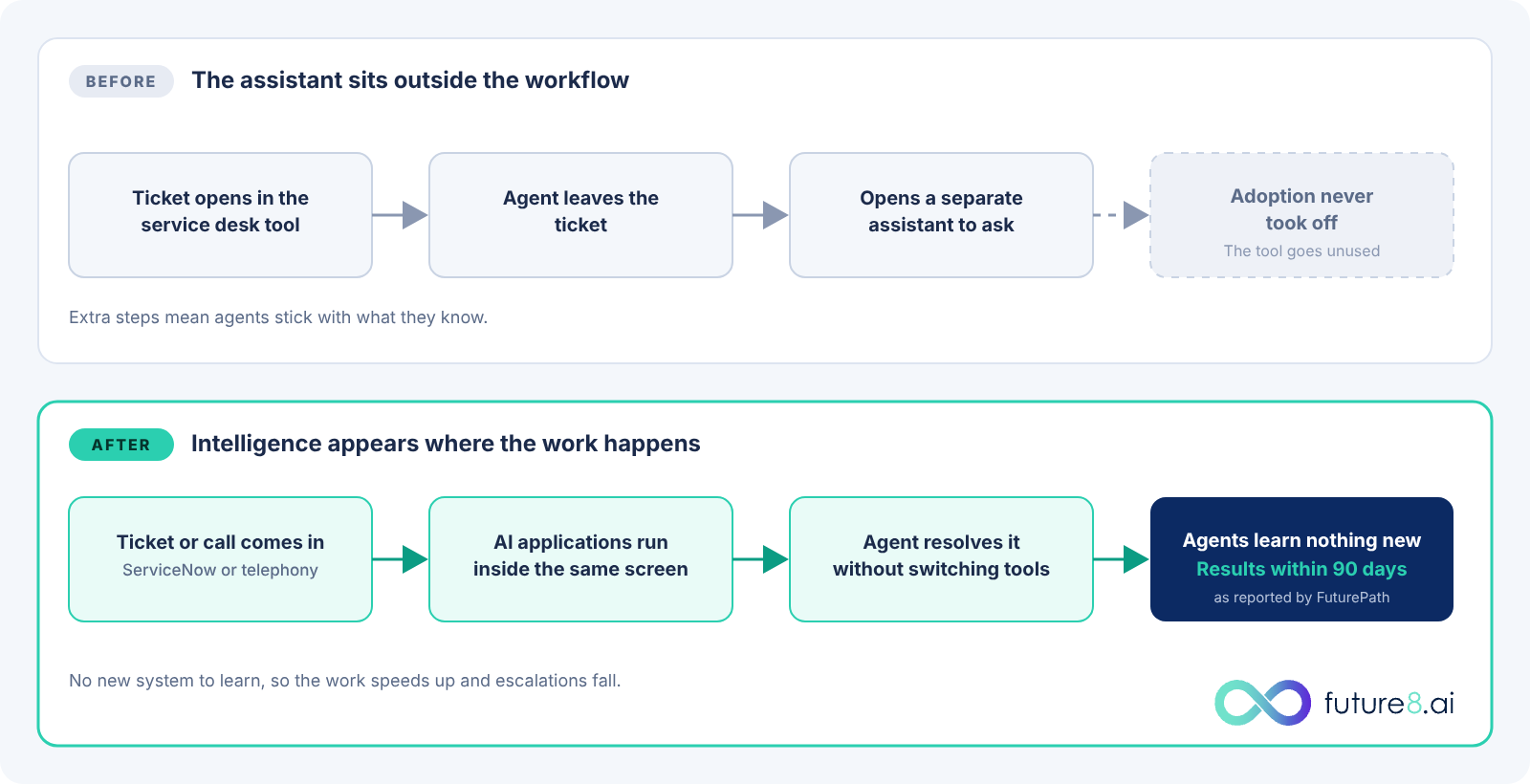
The incumbent tool sat outside the agent workflow, and three problems followed:
- Outside the workflow. Agents had to leave their ticket to use it.
- Shallow value. It could not handle the complexity of energy-sector service work.
- Low adoption. Agents mostly did not use it, and a feature that goes unused cannot lower handling time or escalations.
How did embedding AI apps in the ITSM platform change the service desk?
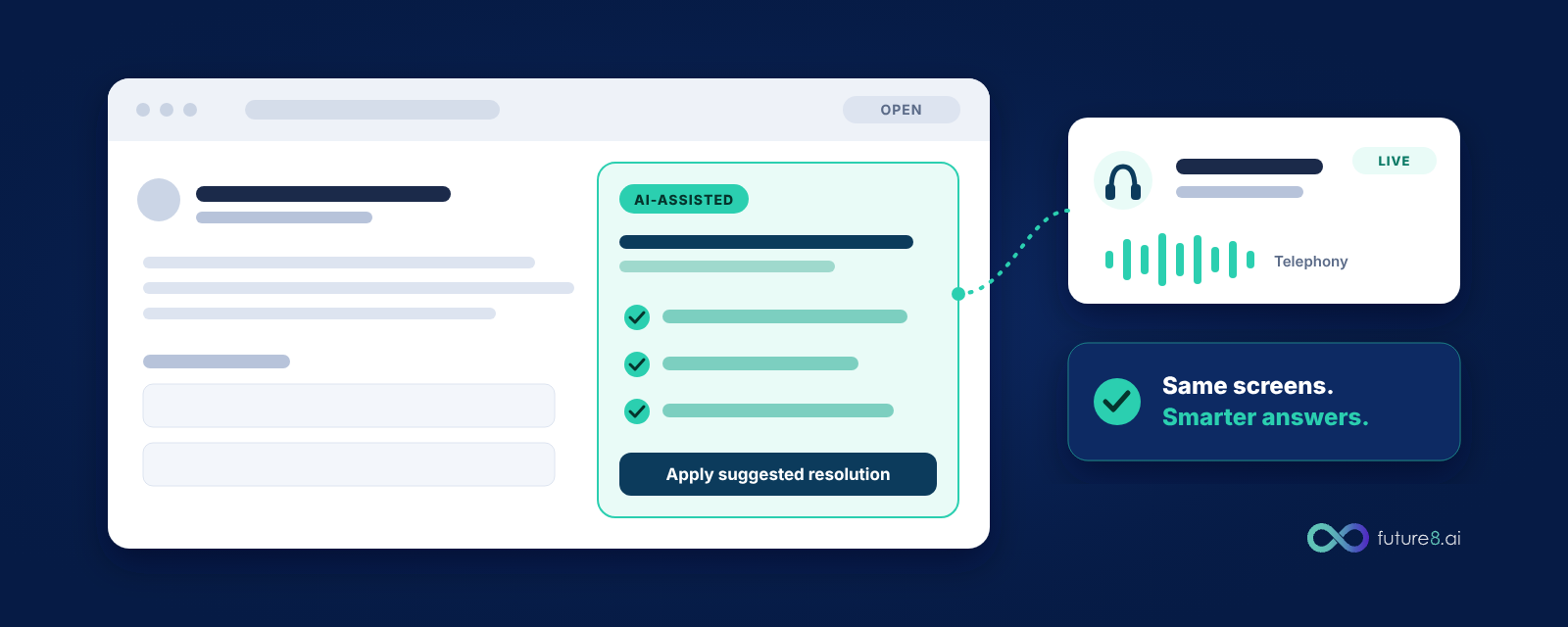
The AI applications were embedded directly in the ITSM platform and in the telephony stack the service desk already used. Agents stayed in the screens they knew, and the intelligence appeared where the work happened. Within 90 days, workflows sped up, escalations dropped, and service quality improved for frontline teams. A VP of Global Energy Infrastructure Services described it this way: “FuturePath didn’t feel like another system to learn.”
What results did the enterprise see?
Here is what changed for the enterprise once AI worked inside the tools agents already used.
40%
reduction in average handling time
22%
faster MTTR on AI-assisted tickets
<1%
escalations, down from 5% before the change
| Measure | Reported result |
|---|---|
| Average handling time | 40% reduction |
| MTTR on AI-assisted tickets | 22% faster |
| Triage and routing automated | 30% |
| Calls to the service desk | 8% fewer |
| Escalations | Under 1%, down from 5% |
| Monthly unique users | 6,200+ |
What does this mean for a licensed iGaming operator?
Operators run the same kind of service desk, with an added constraint: a regulator may ask how an automated step was decided. Three lessons carry over. Put the AI inside the tools your people already use. Measure escalations and handling time, since those show whether people trust the output. And keep a record of each AI action, the policy it followed, and who approved it, so you can answer a compliance review quickly.
1
Work inside existing tools
Put the AI inside the tools your people already use.
2
Measure what shows trust
Track escalations and handling time. They show whether people trust the output.
3
Keep a record of every action
Log each AI action, the policy it followed, and who approved it, so a compliance review is quick to answer.
Future8 packages this approach as AI apps for IT Helpdesk and TechOps, built on FuturePath and delivered with Continent 8 infrastructure. Each action is policy-aware and auditable. For the compliance angle, read What Regulators Are Asking Operators About AI and What Accountable AI Means in Practice.
Results as reported by FuturePath for an anonymous customer.
See it on your own desk
Bring your service desk lead and a recent ticket sample. Book a demo.